
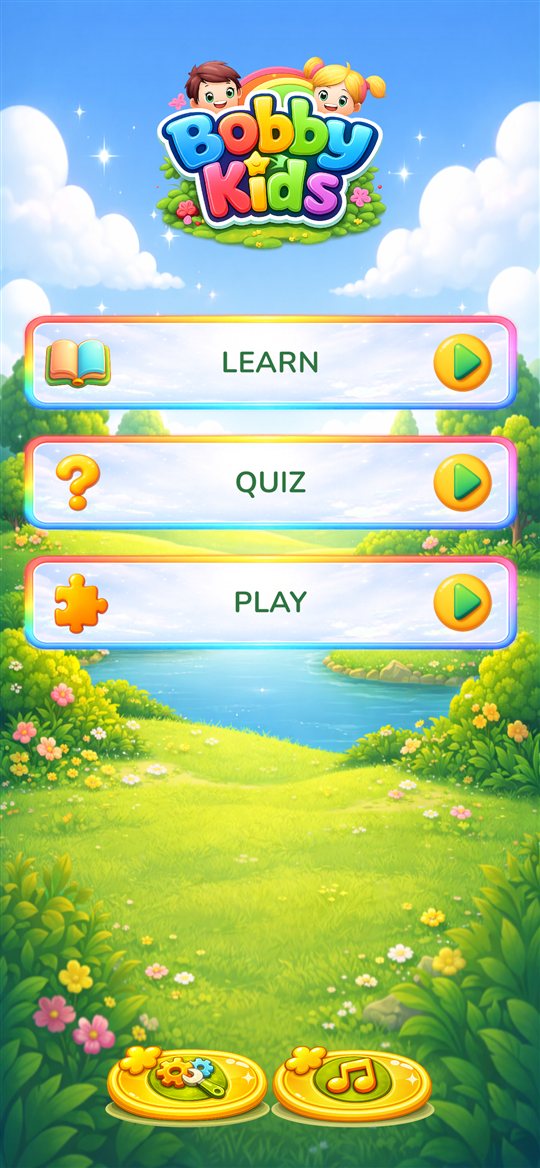
Three ways to learn
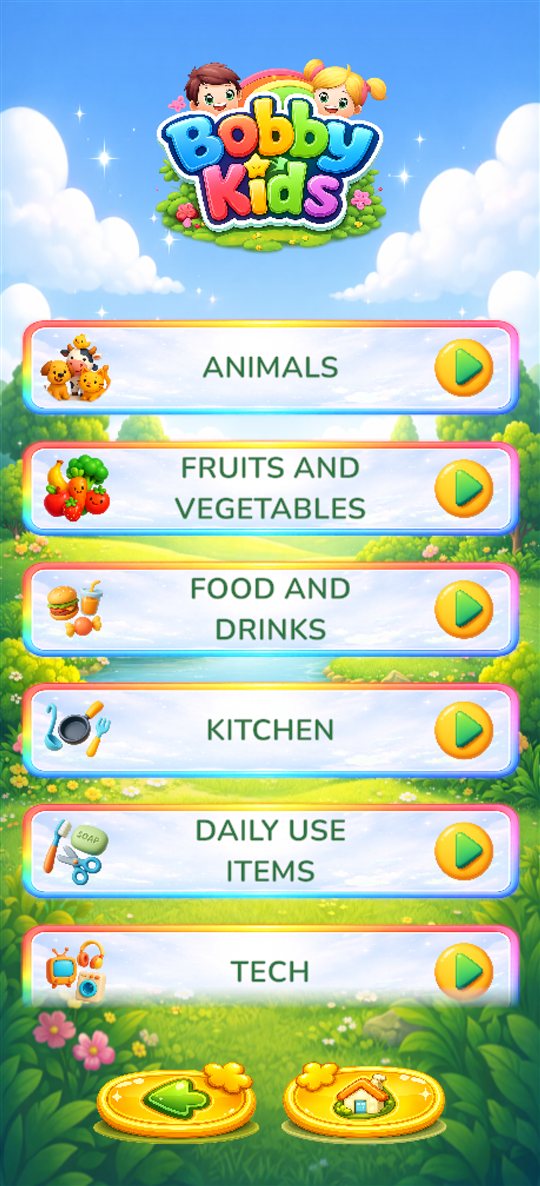
Everything is built around everyday topics children love: animals, fruits, vegetables, food, vehicles, clothes, kitchen and home, professions, musical instruments, numbers, colours and shapes.
Learn
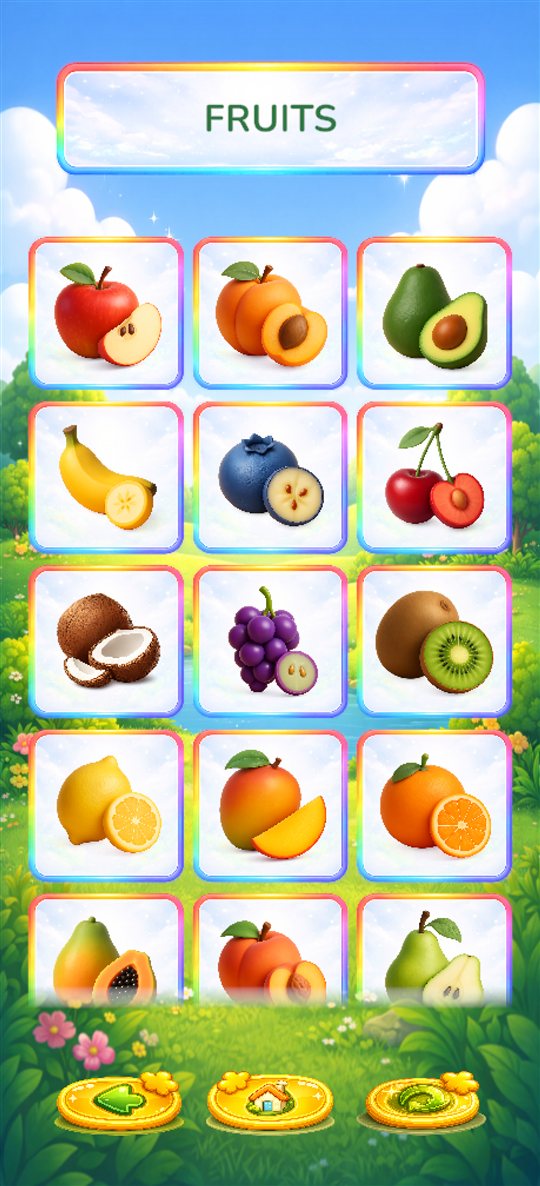
Tap a picture and hear its name. Big, friendly cards make first words easy to explore at the child's own pace.
Quiz
Find It, How Many? and Count & Collect turn new words and numbers into short, encouraging challenges.
Play
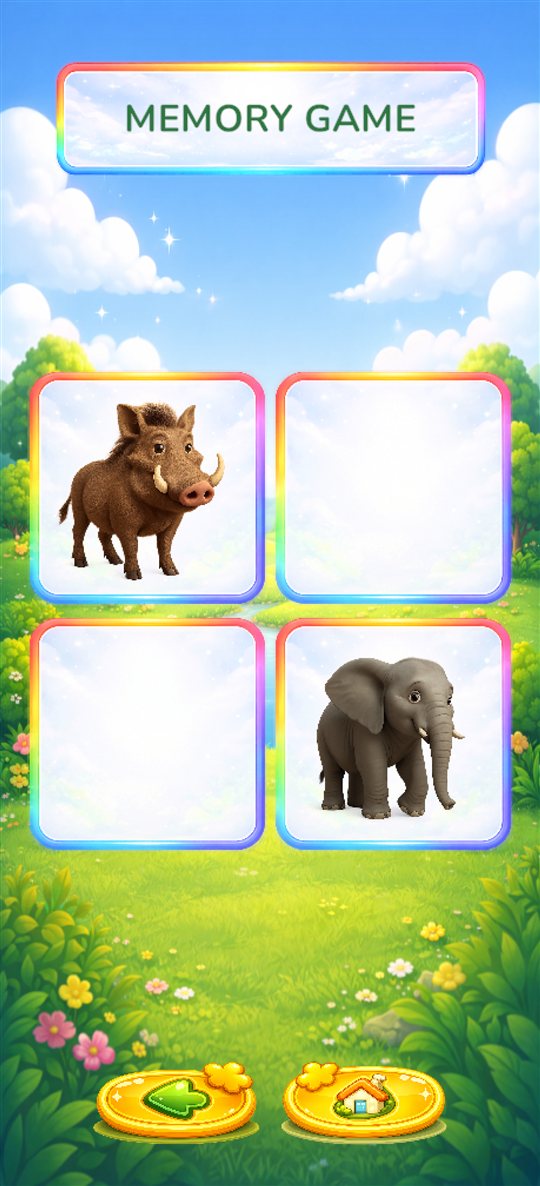
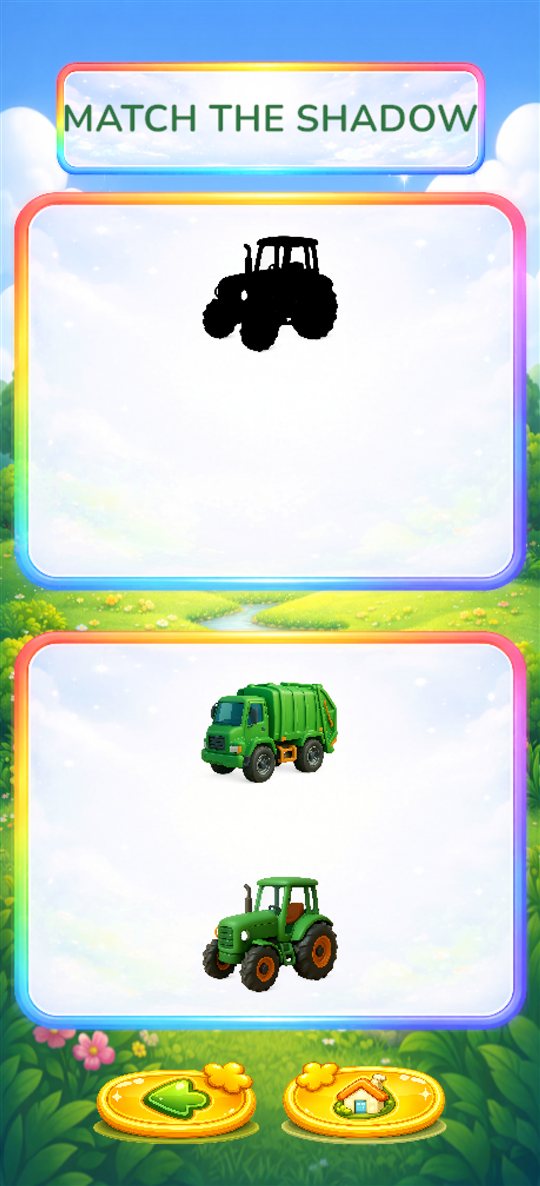
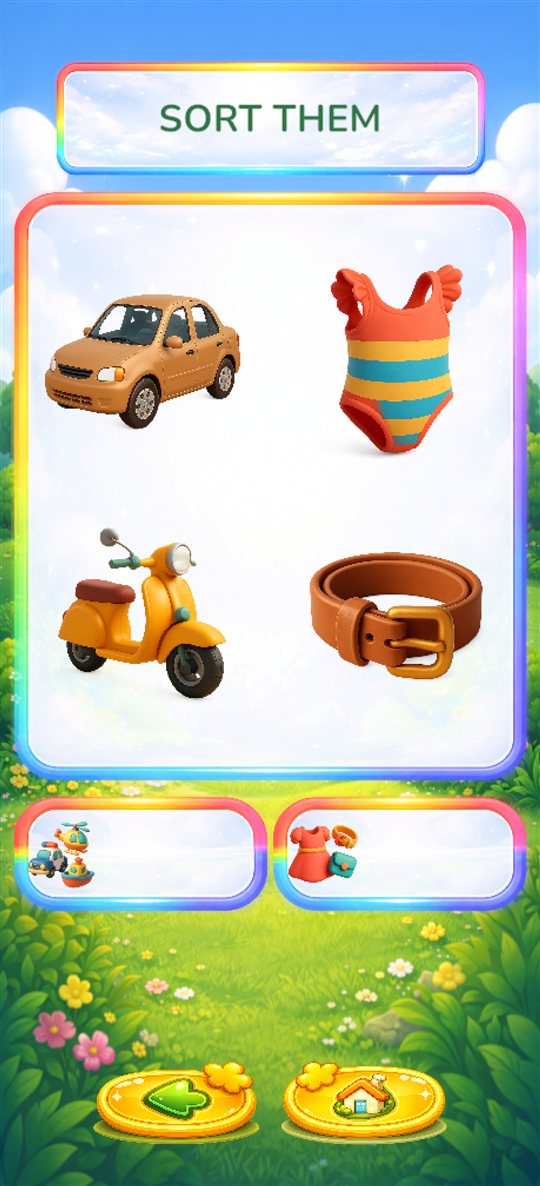
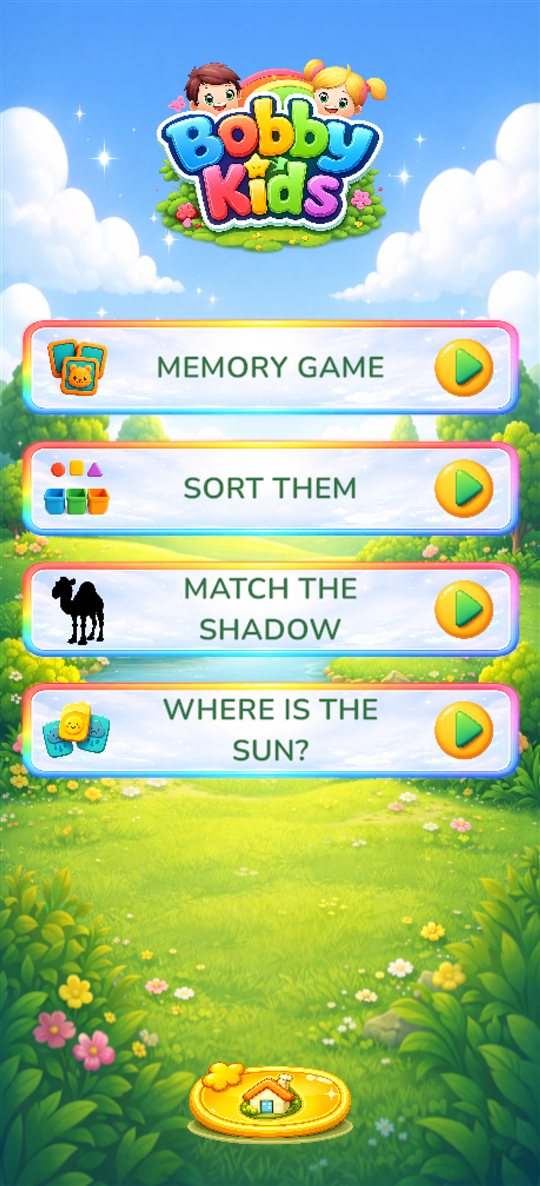
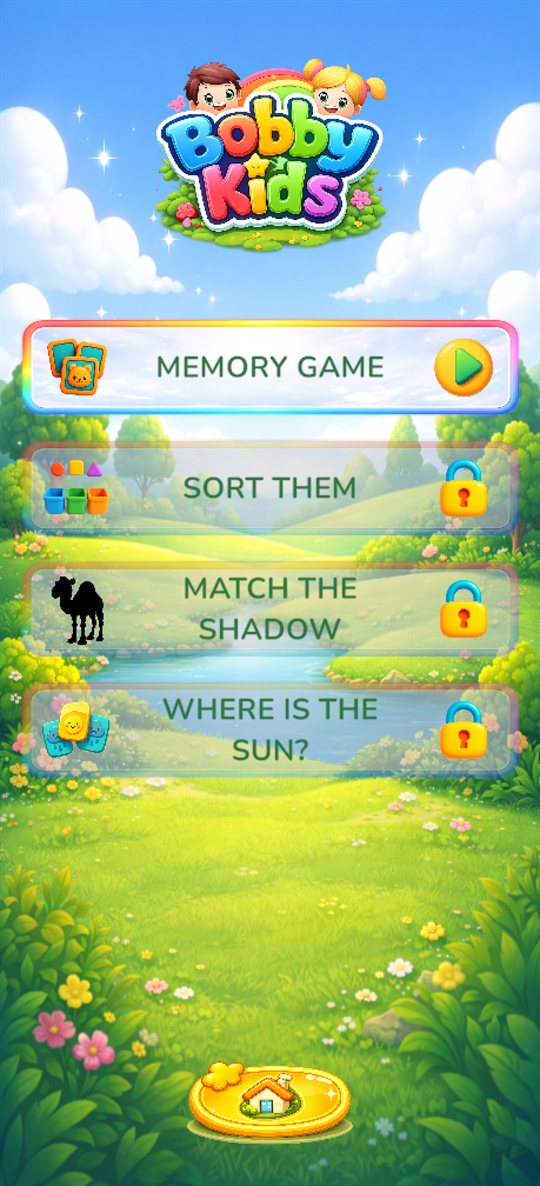
Memory Game, Sort Them, Match the Shadow and Where Is the Sun? build attention, logic and visual skills.
A peek inside
Swipe to see more.
Free and full version
Bobby Kids is free to download and try. Here is exactly what each version includes, so you know what you get before you buy.
| Section | Free | Full version |
|---|---|---|
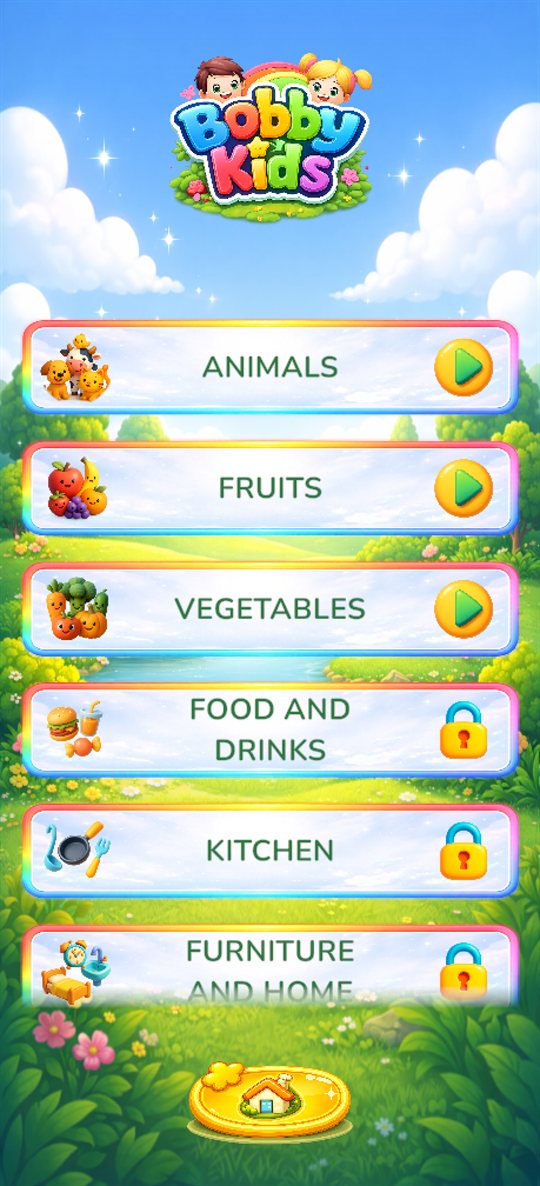
| 📖 Learn | Animals (farm and forest), fruits and vegetables | All 15 topics, including all 10 animal groups: farm, forest, jungle, savanna, desert, polar, water and exotic animals, birds and insects |
| ❓ Quiz | Find It with farm and forest animals, fruits and vegetables | Find It with all its topics, plus How Many? and Count & Collect |
| 🧩 Play | Memory Game with farm and forest animals, fruits and vegetables | Memory Game with all its topics, plus Sort Them, Match the Shadow and Where Is the Sun? |
How unlocking works
- A one-time purchase. No subscription and no ads.
- The store shows the price for your country before you buy.
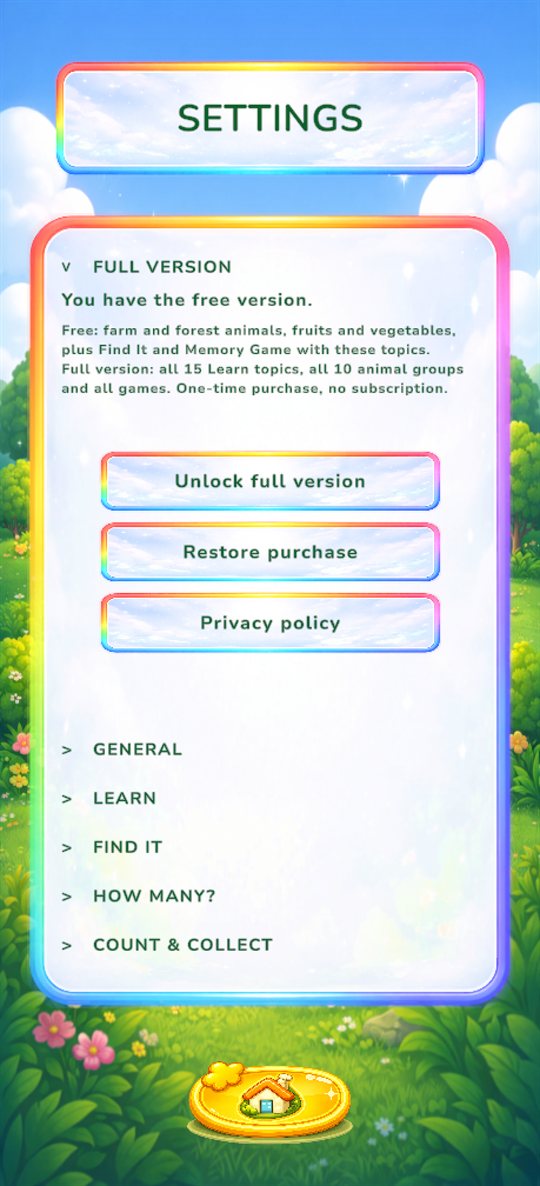
- Unlocking is only possible in Settings, after a parent check.
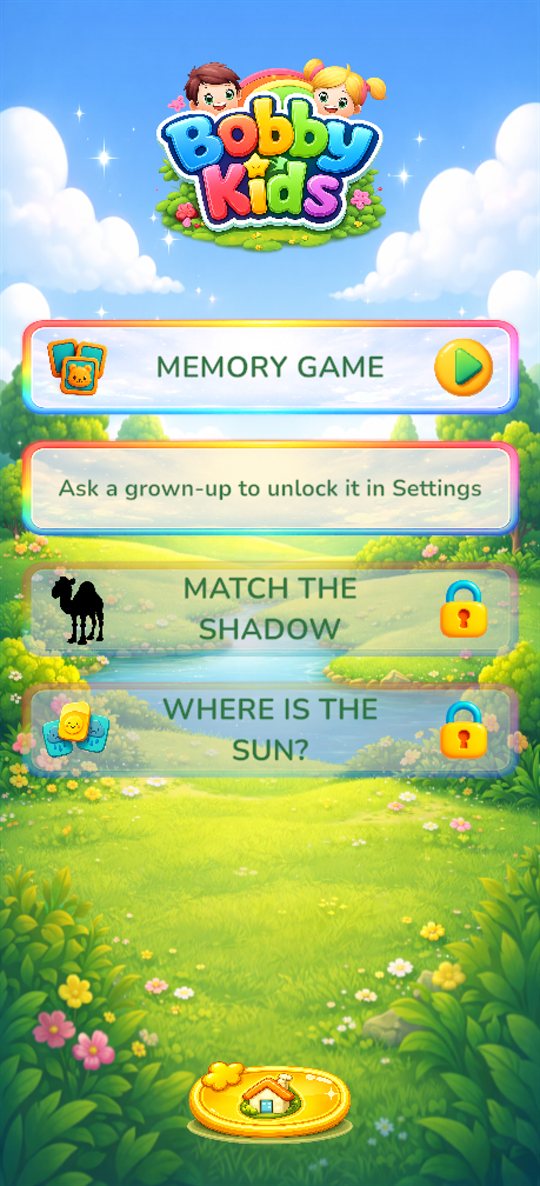
- If a child taps a locked item, they only see “Ask a grown-up to unlock it in Settings”. No purchase screen opens.
- Bought it already? Tap Restore purchase in Settings, for example on a new device.
For parents
Made to be a calm, safe space for small children.
- No advertising and no tracking.
- No accounts, no chat, no links out of the app.
- Progress is saved only on your device.
- Levels grow gently in difficulty as your child plays.
- Free to try. A one-time purchase unlocks all content, with no subscriptions. See what's free.
- Purchases and settings sit behind a parent check.
20% for sick children
I have made a promise to myself: 20% of the income from Bobby Kids will go to charity, to help sick children whose families cannot afford their treatment.